Buying guide
A charcoal surface for the keyboard and mouse
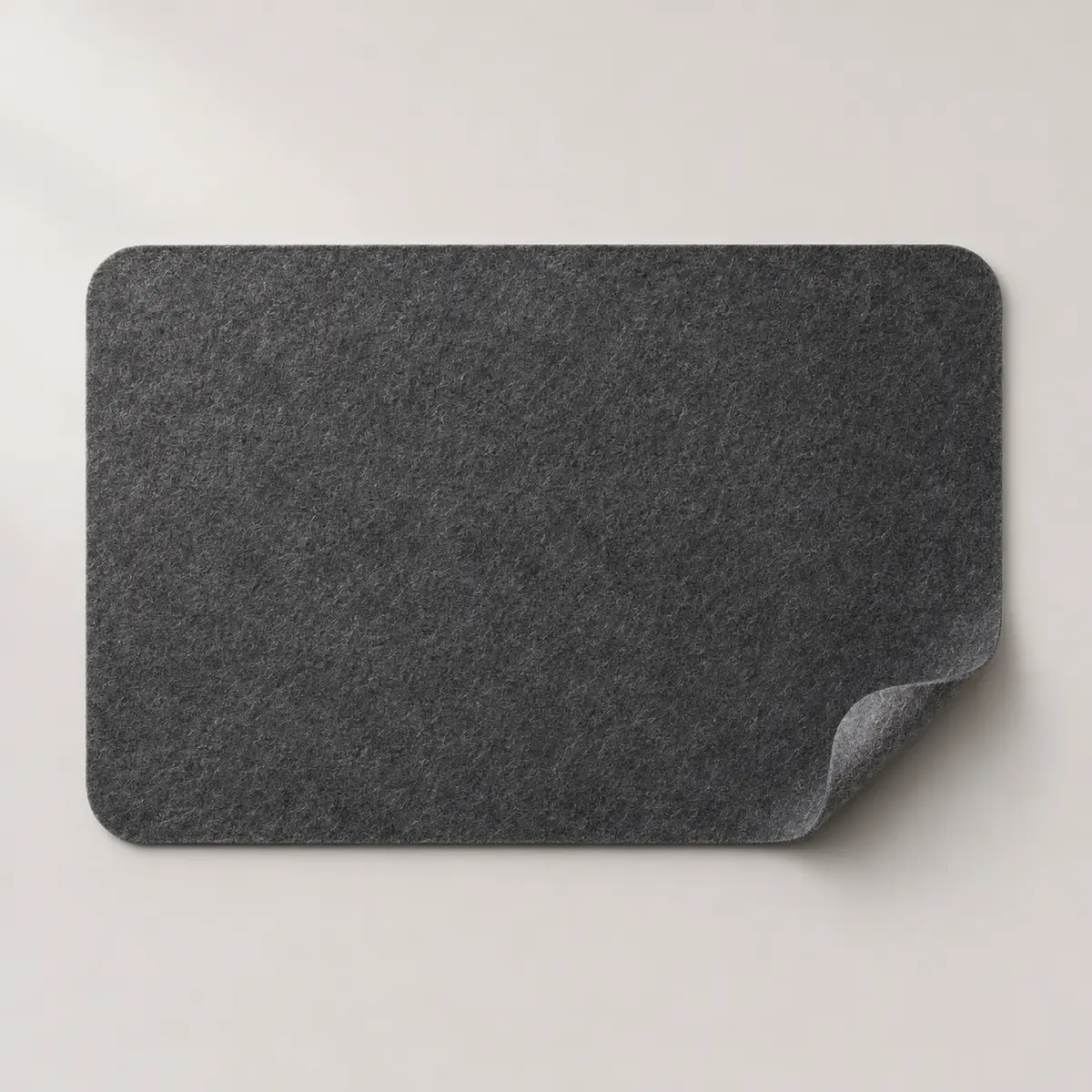
In the illustration the felt mat is a dark charcoal rectangle with rounded corners. One corner curls up and shows the felt at its edge. The surface has a mottled fibre texture across the face, with no printed grid.
If you prefer a quiet background beneath a keyboard and mouse, that combination of colour and shape is a more useful starting point than trying to estimate the dimensions from the picture.
Map the space your mouse actually needs
Put your keyboard where you normally type. Move the mouse from its resting position to the farthest point you regularly reach, including when selecting text or dragging a window. Mark that area with small pieces of paper, then measure across the keyboard and the full path of the mouse. A measurement across the two devices at rest can leave out a surprising amount of working space on your dominant side.
Use the depth of the desk wisely
Measure from the desk’s front edge to the things that stay at the back, such as a monitor foot or dock. Leave space for your hands in front of the keyboard and for cables at the rear. Try a sheet of paper cut to the size you are considering. A rounded corner can sit neatly beside another object, but the entire working rectangle still needs even support from the desktop.
Decide which surface details need checking
If your mouse is sensitive to surface texture, test it on a comparable felt surface where possible. A close-up can show fibres, but cannot establish tracking performance with your particular sensor. Ask for thickness and a view of the underside if you need the mat to stay put on a smooth desk or pass beneath a monitor stand. For coffee spills or accumulated dust, follow care instructions for the finished mat.
Check space for a paper notebook
If you take handwritten notes during calls, place an open notebook on the paper outline alongside the keyboard and try writing to the bottom of a page. Find out whether the mat edge would run underneath the notebook or your wrist. Moving the layout slightly can help you decide between a keyboard-only width and a wider shared surface.